Submit Your Case for Analysis

Upload medical cases, imaging data, and clinical information for comprehensive AI-assisted analysis using Swamy's Neural Systems.

How It Works

  1. 1

    Fill Out Form

    Enter patient information, case details, and clinical context.

  2. 2

    Upload Files

    Attach imaging files, lab results, and relevant documentation.

  3. 3

    Submit Case

    Review and submit your case for AI analysis.

  4. 4

    Receive Report

    Get detailed analysis and recommendations within hours.

Supported File Types

  • DICOM (.dcm, .dicom)
  • JPEG/PNG Images
  • PDF Documents
  • Lab Results (TXT, CSV)
  • Max file size: 500 MB

Data Security

All patient data is encrypted and HIPAA-compliant. Cases are processed securely and deleted after analysis completion per your retention preferences.
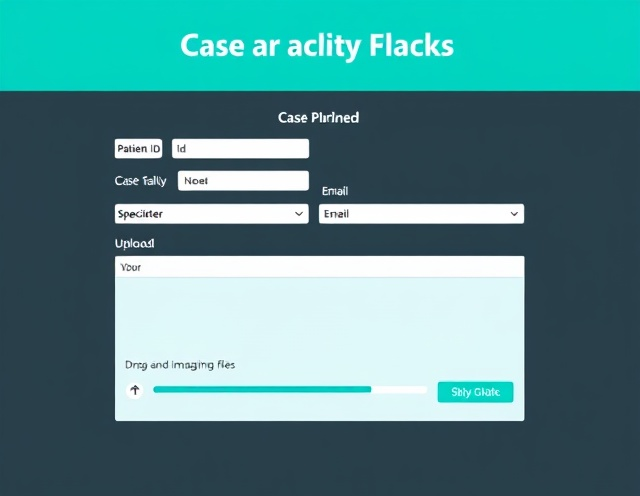
Case summary showing patient history and clinical presentation for AI analysis

Case Information

Drag and drop imaging files and documents here, or click to select files

Supported formats: DICOM, JPEG, PNG, PDF, TXT, CSV (Max 500 MB total)

Required fields are marked with *

Sample Analysis Report

Load and view AI-generated analysis reports. Paste complete case analyses in the 25-step format to see them formatted and ready for clinical review.

Paste Case Analysis

Paste a complete case analysis in the 25-step format. The system will parse and display it formatted below.

Frequently Asked Questions

Common questions about case submission and analysis

How long does analysis take?

Most cases receive preliminary analysis within 2-4 hours of submission. Complex cases may require additional time. You'll receive an email notification when your analysis is complete.

What imaging modalities are supported?

We support DICOM files, standard image formats (JPEG, PNG), and medical documents. The model is optimized for radiologic imaging but can analyze diverse modalities. For specialty-specific analysis, see our Use Cases page.

Is my data secure and HIPAA-compliant?

Yes. All data is encrypted in transit and at rest. We maintain HIPAA compliance with role-based access controls, audit logging, and secure data deletion. Patient identifiers should be removed before submission.

Can I submit batch cases?

Yes. For high-volume submissions, contact our implementation team at implementation@swamys.ai for API access and batch processing options.

How do I integrate with our EHR system?

We offer API endpoints for EHR integration. Contact our technical team at api@swamys.ai with details about your system and workflow requirements.

What should I do with the AI report?

AI reports are for clinician review only. All AI recommendations must be validated by qualified medical professionals before clinical use. The model assists diagnosis but does not replace physician judgment.

Need Help With Your Submission?

Our clinical and technical support teams are available to assist with case preparation, data format questions, and integration.

Email: cases@swamys.ai | Phone: +1-800-SWAMYS-1